
Messages connected to the work, not beside it.
Direct messages, group channels, mentions, and threaded replies — built inside SUITE1 so your team's conversations are always connected to the projects and tasks they're actually about. Available on web and via the SUITE1 desktop app.
The Problem
Your team communication and your work are in completely different places.
Slack is where your team talks. Trello is where tasks live. Email is where decisions get buried. When communication is disconnected from the actual work, context gets lost, decisions are hard to find, and new team members can't figure out what happened or why.
How SUITE1 solves it
SUITE1 team communication is built into the same platform your team already uses for projects, communication, and finance — so there's no context-switching, no data silos, and no extra tool to manage.
What's Inside
Everything included in Team Communication.
Direct and group conversations
Mentions, replies, and smart notifications
File, image, and document sharing
Audio clips, video messages, and screen recordings
Link conversations directly to projects and tasks
Desktop app available for Windows and Mac
See It In Action
Team Communication in SUITE1.
Real interface views from the team communication module — ready to use on day one.
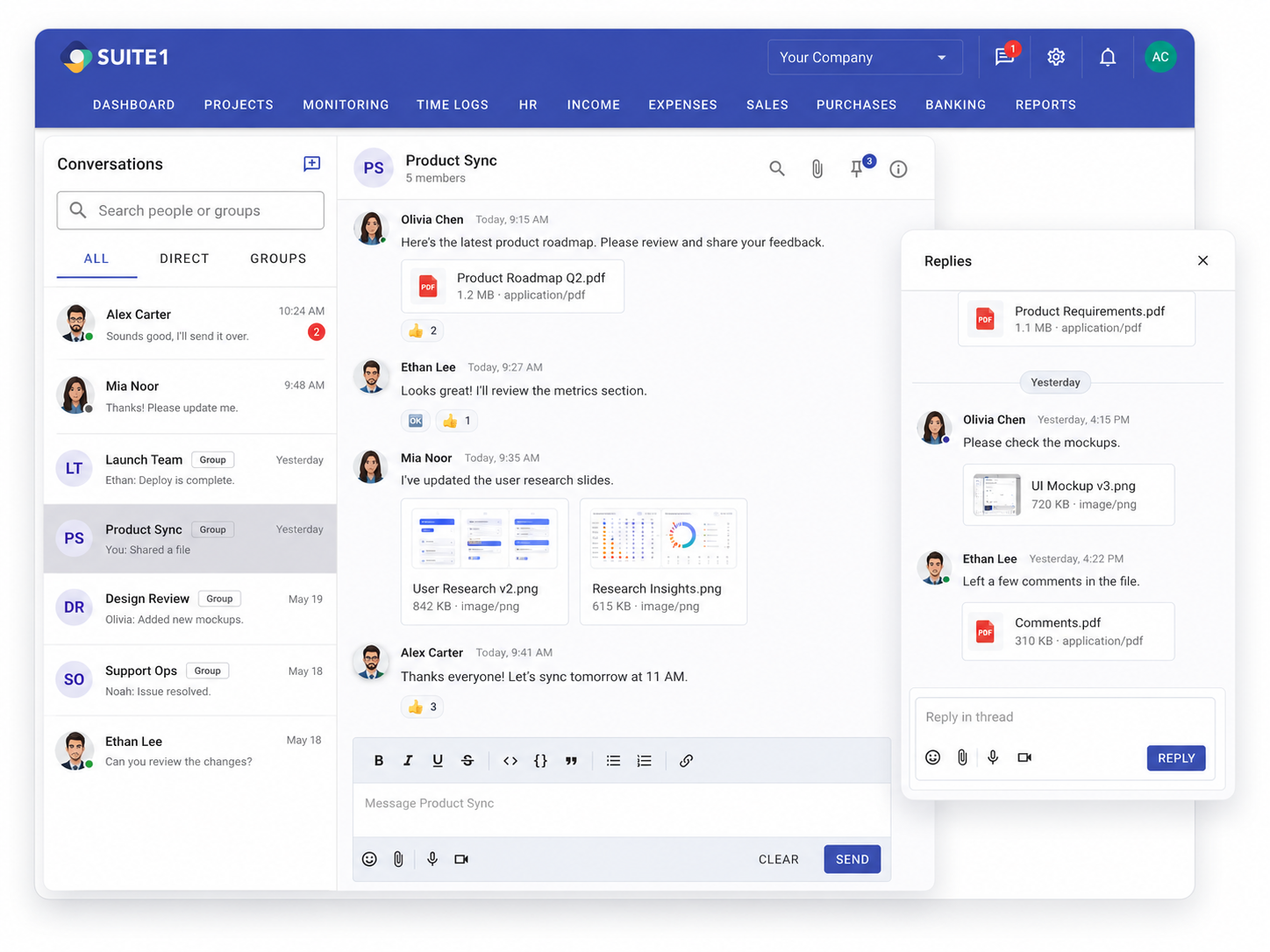
Group channel with message threads, file attachments, and task references.
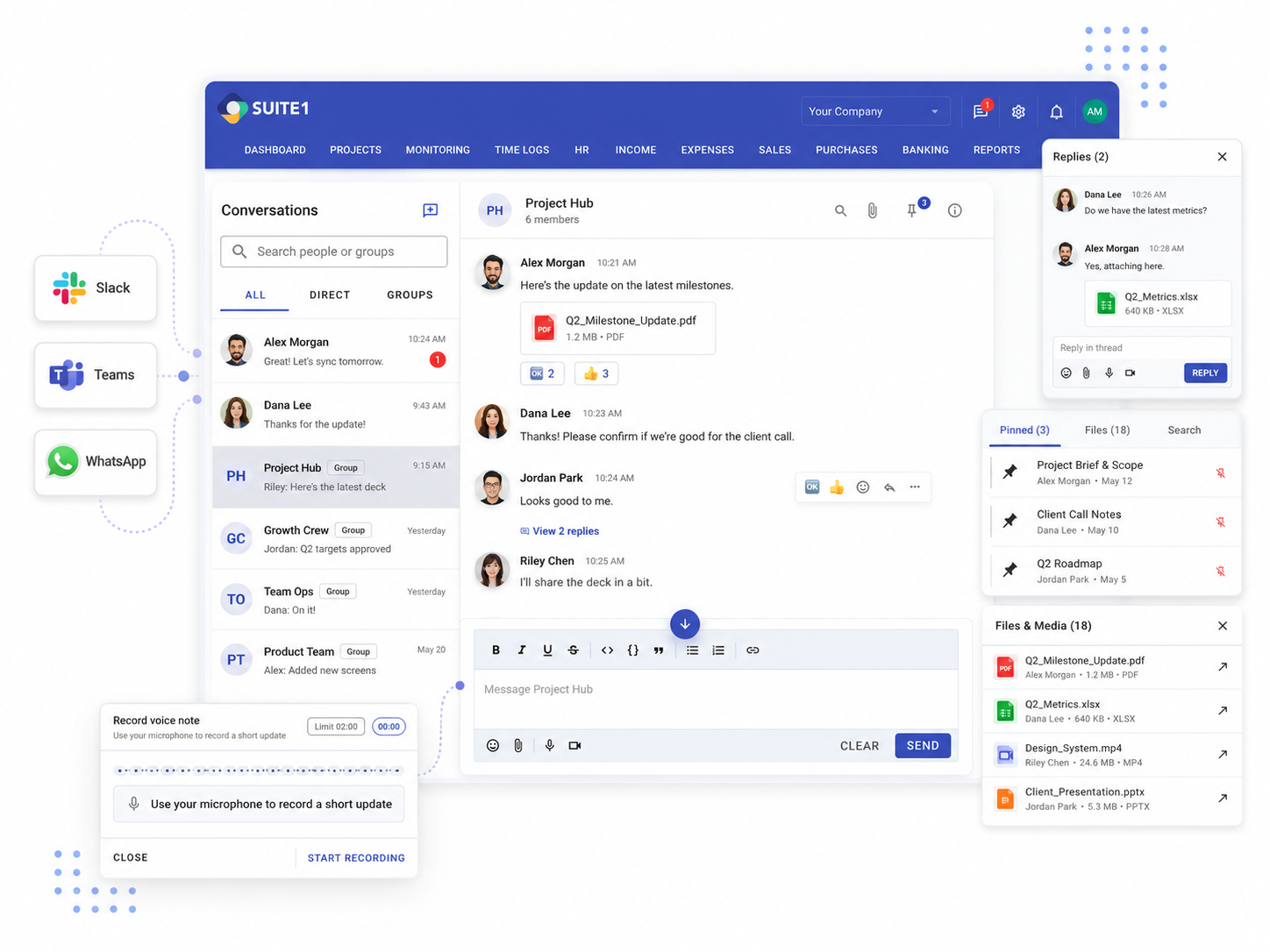
Unified Chat
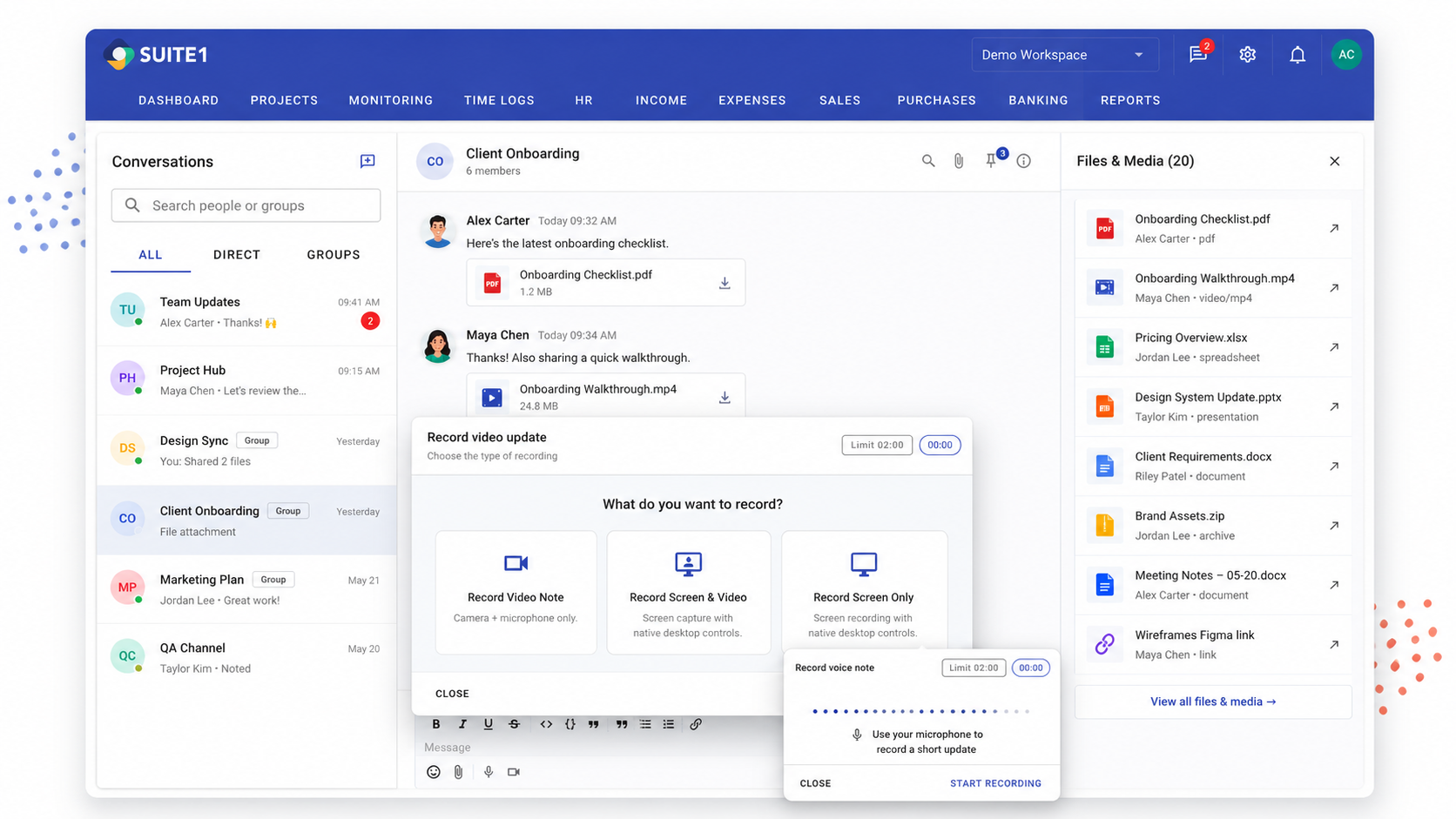
Media & Files
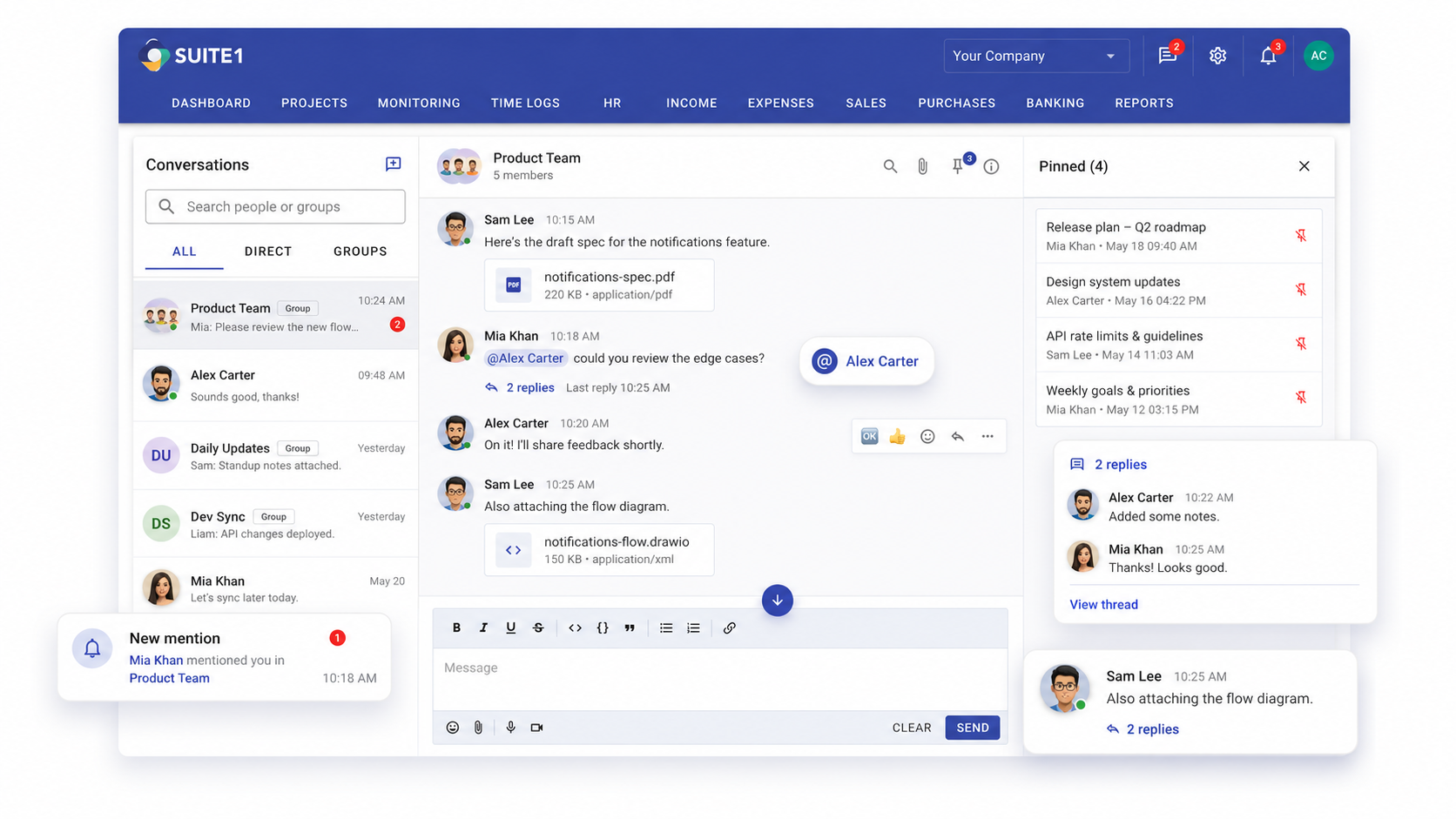
Notifications
Who Uses This
Built for real business situations.
Remote and distributed teams
Keep remote team members connected without requiring everyone to be online at the same time. Async messages, voice clips, and screen recordings replace synchronous meetings.
Project-specific communication
Instead of a general chat that gets cluttered, SUITE1 lets teams communicate in the context of specific projects and tasks — so conversations are always relevant.
Client-facing project teams
Coordinate internally on client work without confusing internal discussions with client deliverables. Keep team communication separate but connected to the project.
FAQ
Questions about Team Communication.
Is team communication a separate app or built into SUITE1?
It's built directly into SUITE1. Your team's conversations live alongside their projects, tasks, and time logs — no separate login, no separate app.
Can I link a conversation to a specific task or project?
Yes. Messages in SUITE1 can be linked to specific tasks or projects so that context is never lost. You can see all conversations related to a piece of work in one place.
Does SUITE1 support file sharing in messages?
Yes. You can share files, images, and documents directly in conversations. All shared files are searchable and accessible to team members with the right permissions.
Can team members record audio or video messages?
Yes. SUITE1 communication includes support for audio clips, video messages, and screen recordings — useful for asynchronous explanations and demos.
Explore More
Team Communication is just one part of SUITE1.
Start using Team Communication today.
15-day free trial. All modules included. No credit card needed.